> For the complete documentation index, see [llms.txt](https://docs.pawtato.gg/llms.txt). Markdown versions of documentation pages are available by appending `.md` to page URLs; this page is available as [Markdown](https://docs.pawtato.gg/pawtato-land/gameplay/equipment/sockets.md).
# Sockets
Enhance your equipment with various Gemstones
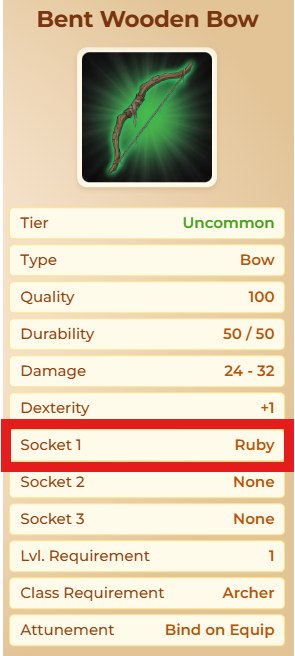
Some pieces of Equipment come with Sockets, where Gemstones can be inserted to award additional boosts.
#### Gemstones
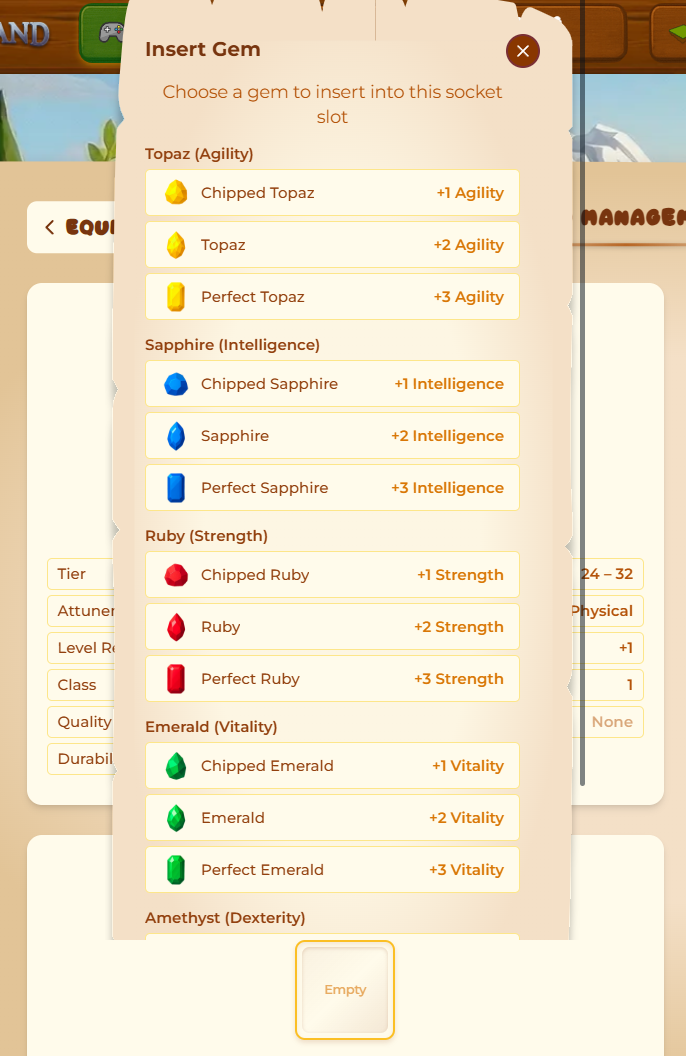
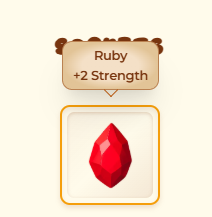
Each Gemstone boosts one of a Hero's core Stats. Every Gemstone comes in three qualities: **Chipped** (+1), regular (+2) and **Perfect** (+3).
| Gemstone | Stat |
| ------------ | ------------ |
| **Topaz** | Agility |
| **Sapphire** | Intelligence |
| **Ruby** | Strength |
| **Emerald** | Vitality |
| **Amethyst** | Dexterity |
| **Diamond** | Luck |
#### Unlocking Sockets
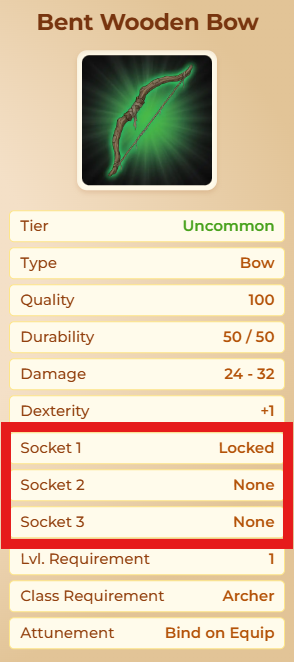
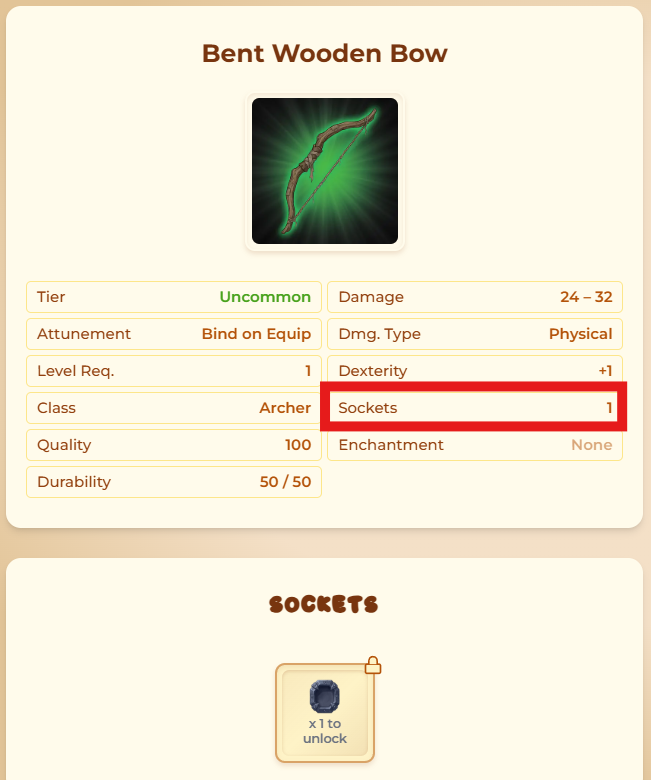
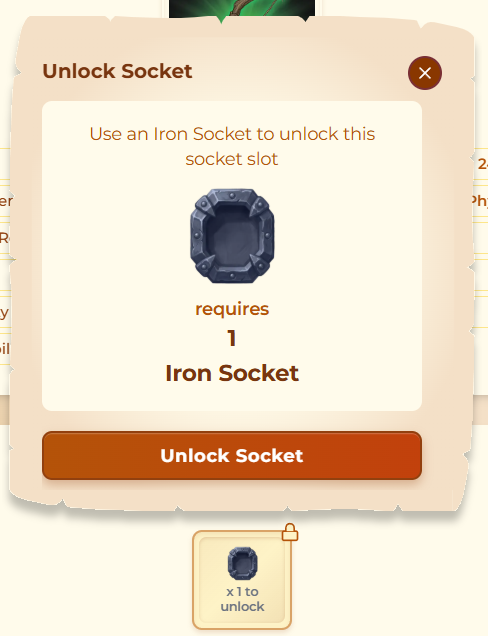
Sockets need to be unlocked once to be used, changing the state from "locked" to "empty". If a Gemstone is put into a Socket, the value will change from "empty" to the respective Gemstone.
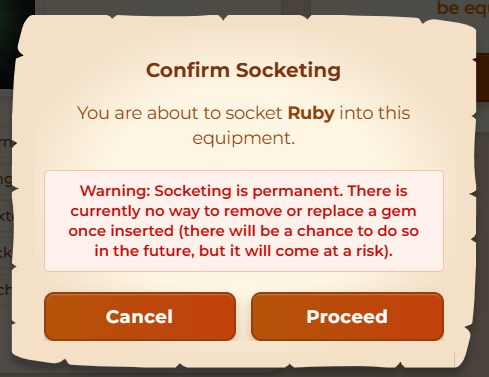
Clicking on an empty Socket will show a selection of available Gemstones from the Backpack. Adding a Gemstone into a socket is an important decision, as **removing it later will be a risky operation**.
{% hint style="warning" %}
Removing a Gemstone without a **Glyph of Master Masonry** equipped will always affect it: regular and Perfect Gemstones are **downgraded** by one quality, while Chipped Gemstones are **destroyed**. A **Jeweler** can perform a safe removal for a TATO fee, and a higher-Tier Glyph of Master Masonry lowers the risk of downgrade/destruction.
{% endhint %}
{% hint style="info" %}
If Equipment is **traded** or **transfered**, Sockets will stay attached.
{% endhint %}
When an Equipment is created, Sockets are added **randomly** up to a maximum amount possible for this type of equipment. For a 2-Hand Weapon from Tribal Conflicts the outcome could be either of:
* None | None | None (worst)
* **Locked** | None | None
* None | **Locked** | None
* **Locked** | **Locked** | None (best)
**Maximum** Sockets on **Tribal Conflict Equipment**:
* **Helmet**: 0
* **Armor**: 2
* **1-Hand Weapon**: 1
* **2-Hand Weapon**: 2
* **Offhand**: 1
#### Reforging resets Sockets
Using an **Orb of Reforging** in the Craftsman's **Modification** tab rerolls **everything on the item at once — including its Sockets**. Each Socket is rolled fresh, using the same `None` / `Locked` roll as when the item is first created. This means any Socket you had **unlocked** (`empty`) reverts to `Locked` (or `None`), so you will need to spend an **Iron Socket** again to re-unlock it.
Because of this, reforging an item with Sockets is a multi-step operation:
1. **Remove any inserted Gemstones first** — the game will not let you reforge while Gems are socketed, and removing a Gem is a **risky operation** (see the warning above). Consider a **Glyph of Master Masonry** or a **Jeweler** for a safer removal.
2. **Reforge** the item. Its Sockets are re-rolled along with its stats, so previously unlocked Sockets become `Locked` again.
3. **Re-unlock** the Socket with an **Iron Socket** and insert a Gemstone again.
{% hint style="warning" %}
Reforging does **not** preserve unlocked Sockets — the Iron Socket you spent to unlock a slot is lost when you reforge. Only reforge Socketed gear when you are ready to re-unlock and re-Gem it.
{% endhint %}
{% hint style="info" %}
An **Orb of Refinement** (single-stat reroll) does **not** touch Sockets — only a full **Orb of Reforging** rerolls them.
{% endhint %}